Scope
Steps to add message topic for messages sent from Xpressions.
Instructions
-
Go to Tools > Account Settings or click on the school name in the main menu.
-
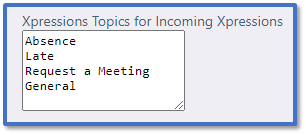
In Xpressions, go to Xpressions Topics for Incoming Xpressions and type into the text box to add more topics or delete existing ones.
-
Click Submit.
-
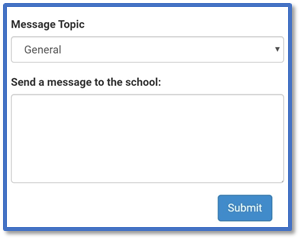
This list are the topics that the parent can select when using Send Message to School in Xpressions. Read our guide for further information: Messenger: Allow Parents to Send Messages from Xpressions.