Scope
Steps for parents to log into Xpressions via the app or the website.
Instructions - App
-
Download and open the Xpressions from App Store (iOS) / Google Play (Android).
-
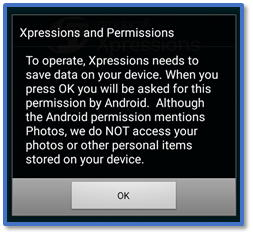
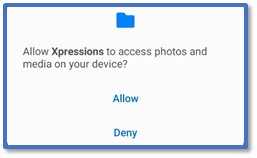
For Xpressions and Permissions, click OK > Allow > OK.
-
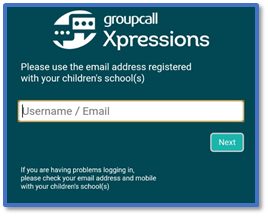
Enter your email address.
-
Enter your mobile number.
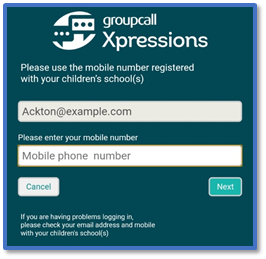
-
The app will send you a 6-digit code via SMS. Enter the pass code > Login.
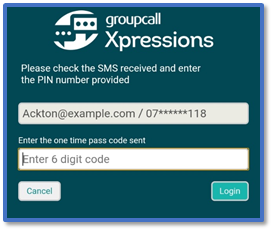
-
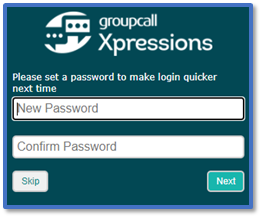
Create a password for future logins > Next.
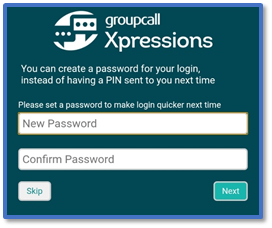
-
You will now be in the Xpressions homepage, and you will remain logged in even after closing the app.
Instructions - Website
-
Go to the Xpressions website.
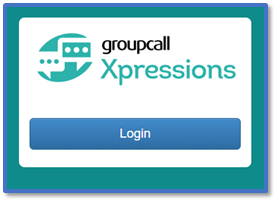
-
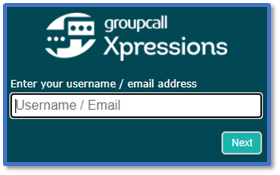
Enter your email address.
-
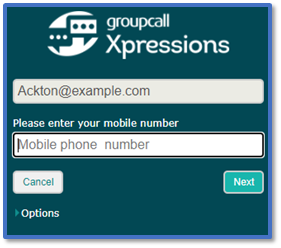
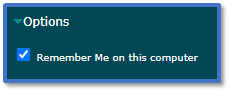
Enter your mobile number.
-
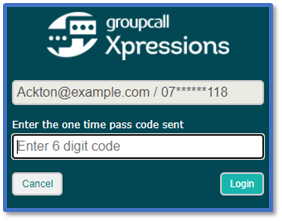
The webpage will generate a 6-digit code. Enter this pass code > Login.
-
Create a password for future logins > Next.
-
You will now be in the Xpressions homepage.


