Scope
Steps to automatically receive email notifications for incoming messages.
Instructions
-
Go to Tools > Account Settings or click on the school name in the main menu.
-
Tick Notification Emails.
-
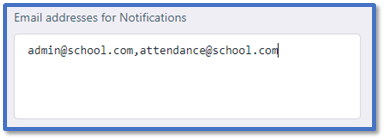
In Email addresses for Notifications, enter the email address for the mailbox you want to receive the notification emails. If you want to use multiple email addresses, separate them with a comma in the text box.
-
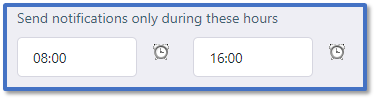
Use Send notifications only during these hours to limit when notification emails are sent:
-
Start Time: Open the time view pop-up to select the time from when you want to start receiving emails during the day.
-
End Time: Open the time view pop-up to select the time from when you want to stop receiving emails during the day.
-
Click Submit.


