Scope
Steps to reset your password.
Instructions
-
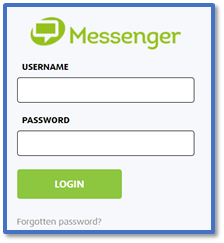
On the Messenger Log-in page, click Forgotten Password?
-
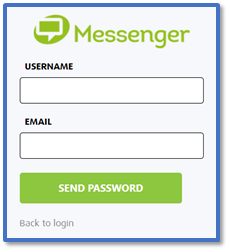
Enter your Username and Email > Send Password.
-
You will receive the Password request email shortly, and an SMS with a copy of the password as a backup.
-
On the Messenger website, click Back to login.
-
Enter your Username and the new Password > Login.
-
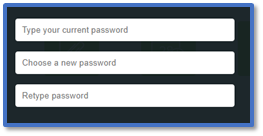
You will be asked to change your password for security purposes.
-
Enter the current password > enter a new password > retype the new password > Submit.


