Scope
Steps to use the translation feature.
Instructions
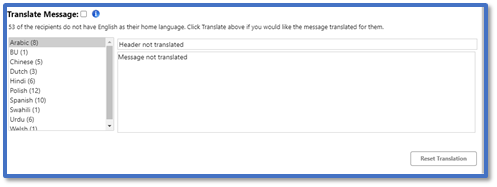
The option to Translate Message is automatically made available when one or more of your selected recipients do not have English as their home language.
-
Tick Translate Message.
-
Tick Also send in English if you want the recipient to have an English copy of the same message included with the translation when they receive it.
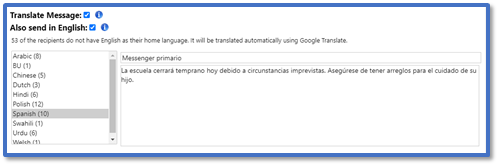
-
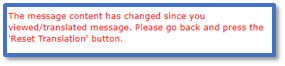
If you make any further changes to your message after ticking Translate Message, click Reset Translation to update the translated version:
-
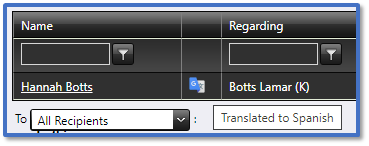
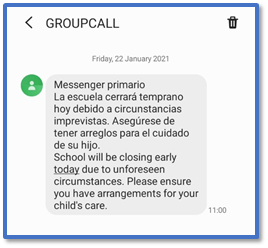
Once sent, this is how the message will appear to the recipient with a non-English home language:
-
In the Message Details in History, there will be an icon to indicate which recipients received a translated message. Read our guide for further information: Messenger: Check Message History.