Scope
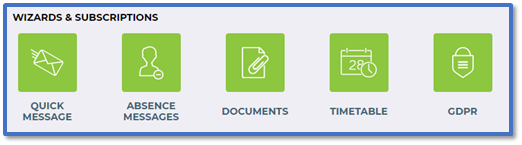
Steps to change the module tiles visible on the homepage.
Instructions
-
Go to Tools > Users > Manage Users
-
Find the user > Actions.
-
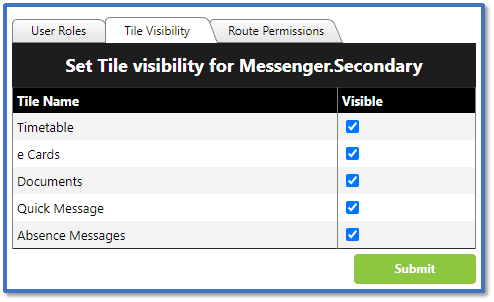
Click Edit Roles > Tile Visibility.
-
-
Timetable: Module for sending academic and exam timetables. Read our guide for further information: Messenger: Send Timetables.
-
e Cards: This is a legacy module and no longer in use.
-
Documents: Module for sending school reports. Read our guide for further information: Messenger: Send Reports.
-
Quick Message: Module for sending messages to individuals, groups, or the whole school.
-
Absence Messages: Module for sending messages regarding attendance.
-
Tick the tiles you want to be visible > Submit.
-
The selected modules will now be visible on the user’s homepage.