Scope
Steps to compose voice messages.
Instructions
-
Choose a message template from the Message Library or compose the message yourself in the text editor.
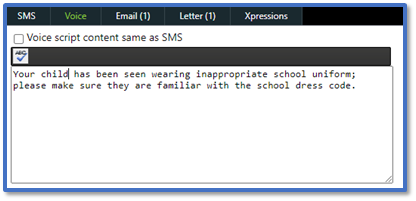
-
Apply Spell Check to have the system automatically scan your text and find any spelling mistakes in your message.

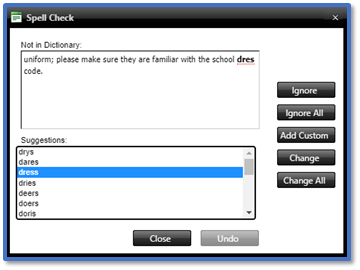
-
For Voice Template, choose whether to include the voice message introduction.

-
For Text to Speech Voice, choose the gender of the voice used.

-
For Voice Caller ID, select the relevant ID from the drop-down menu.
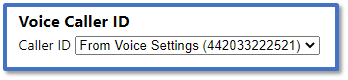
-
Continue to Step 11 in Messenger: Send Advanced Messages.


