Scope
The description for all available user roles and the roles assigned to each user profile.
User Roles
These are the roles that can be applied to each user in Messenger, granting them permission to access certain sections of the system and use different functions.
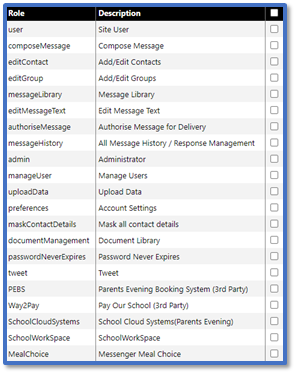
Site User

This role allows you to:
-
Use the basic function: Home, Search, Help, and Logout.
-
Access your User Preferences. Read our guides for further information:
-
Create messages via Quick Messages.
-
Change Organisation to switch accounts.
-
Export All Comms to download sent and received messages.
Compose Message
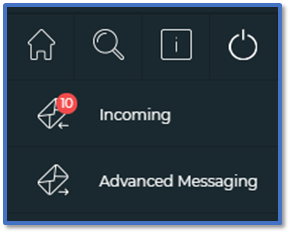
This role allows you to:
-
Create messages via Quick Message.
-
Create messages via Absence Message.
-
Create messages via Advanced Messaging.
-
Access the Documents and Timetable modules for Enhanced Messenger accounts.
-
View Incoming messages.
-
Manage Omitted contacts.
Add/Edit Contacts
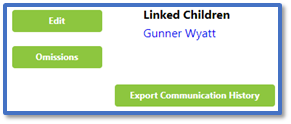
This role allows you to:
Add/Edit Groups
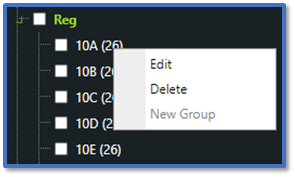
This role allows you to:
Message Library
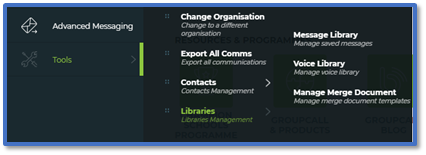
The role allows you to:
-
Add and edit message templates in Message Library.
-
View and customise the settings in Voice Library.
-
View the premade mail merge documents and upload new ones in Manage Merge Document.
Edit Message Text
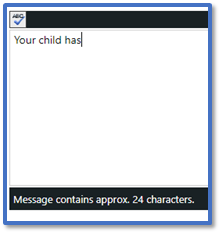
This role allows you to:
Authorise Message for Delivery

This role allows you to:
All Message History / Response Management
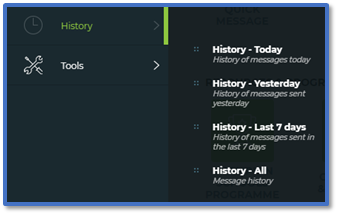
This role allows you to:
Administrator
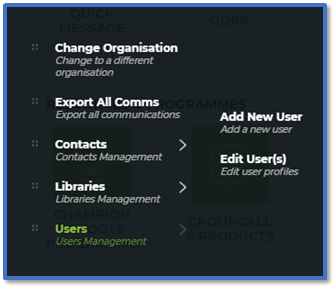
This role allows you to:
-
Create and update users with Add New User / Edit User(s).
-
View all contacts in Manage Contacts.
-
Add and edit letters in Letter Templates.
Manage Users
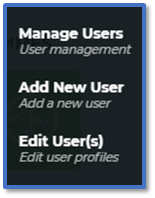
This role allows you to:
Upload Data
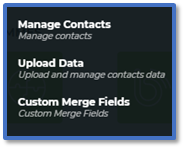
This role allows you to:
-
View, edit and delete contacts.
-
Upload contacts manually using Upload Data.
-
Upload your own tokens using Custom Merge Fields.
Account Settings

This role allows you to:
Mask all contact details
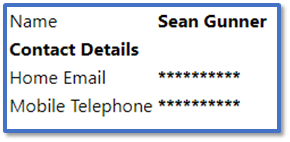
This role allows you to:
Document Library
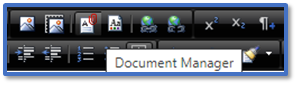
This role allows you to:
Password Never Expires
This role allows you to:
Tweet

The role allows you to:
Partner Add-ons
Parents Evening Booking System (3rd Party)
This role gives the user access to the Parents Evening module:
SchoolWorkSpace
This role gives the user access to the Forms module:
School Cloud Systems (Parents Evening)
The role gives the access to the Parents Evening module:
Messenger Meal Choice / Pay Our School (3rd Party)
These are legacy roles and no longer in use.
User Profiles
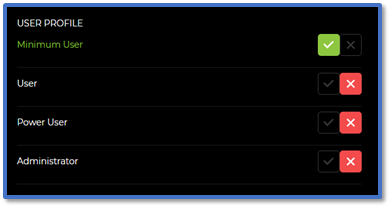
Minimum User
They have the following user roles:
-
Site User
-
Compose Message
-
Edit Message Text
User
-
This profile allows a user to create and send messages, view replies from parents, authorise other messages, manage message templates, and see your message history.
They have the following user roles:
Power User
They have the following user roles:
Administrator
They have the following user roles:
Custom


